AI Systems & Automation

AI Systems and Workflow Automation

Practical, reviewable automation for the repetitive layer of your operations: classification, extraction, drafting and routing, with human checkpoints where decisions actually matter.

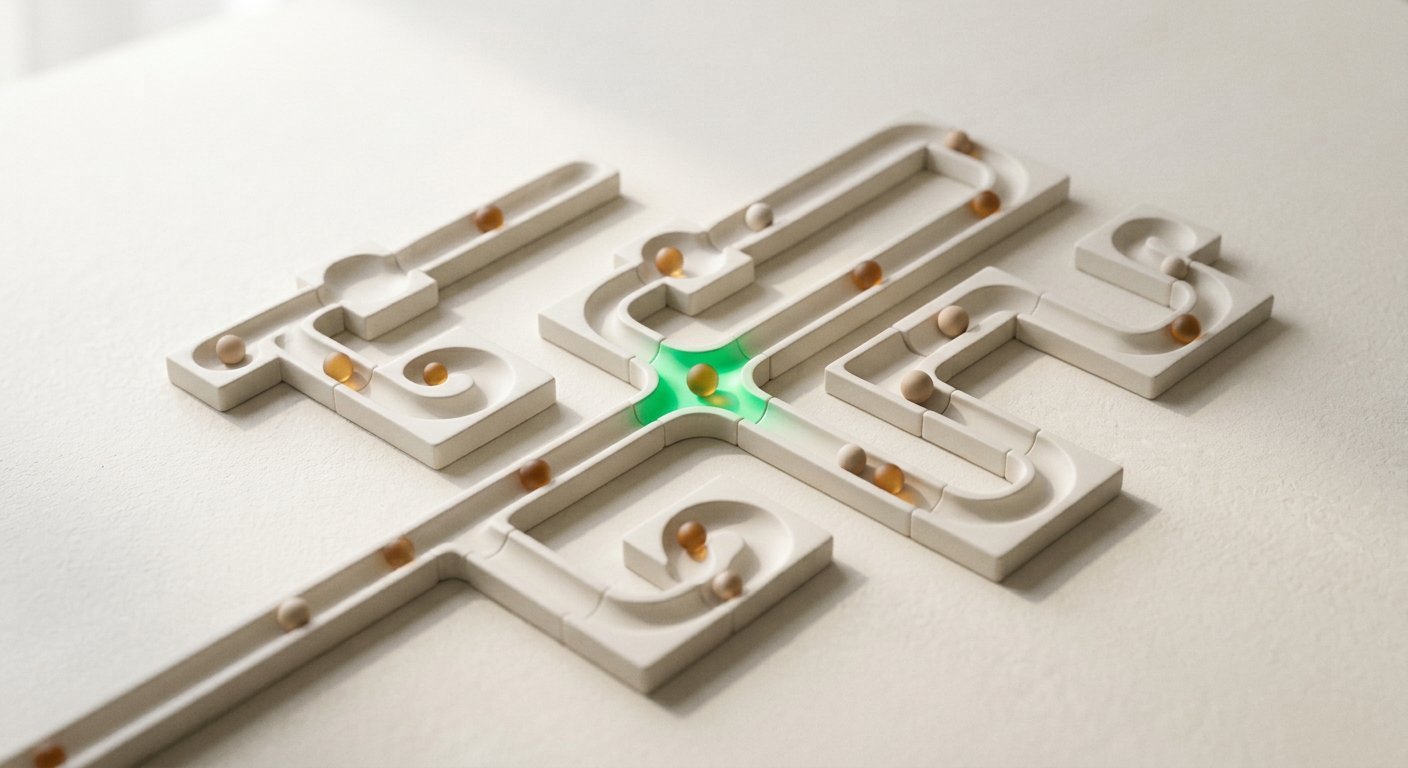
White ceramic sorting tracks on a warm table with small spheres rolling through junctions
Custom visual · AI Systems & Automation

AI systems & workflow automation

Repetitive work, routed with human checkpoints.

Practical automation is a chain of small, inspectable steps: read, classify, decide, act, review. Run the example to watch one enquiry move through.

workflow.demo / enquiry-router / run #1042
Illustrative workflow

This is an illustrative workflow, not a live automation on this site. Real implementations depend on your tools, data access and requirements, and always include appropriate review points for customer facing actions.

Why it matters

Expensive work disguised as busywork

Copy-paste between tools, re-reading the same enquiry, chasing missing details. It is not transformation. It is time your team will never get back.

Every business accumulates a layer of work that looks small individually and enormous in total. The enquiry that must be copied into a sheet. The document whose key fields are retyped every time. The reply that is 90% identical but is written from scratch each morning.

Automation earns its keep when it removes reading and copying, not when it removes judgement. The useful pattern is consistent: capture the input, structure it, apply your rules, prepare the next action, and pause for a person wherever a commitment is about to be made.

Where teams get this wrong: buying a platform first and looking for a use case second, or handing autonomous control to a model on day one. We start with one well understood process, build it narrowly, measure the time it saves and expand only when the first workflow has earned trust.

The demonstration above is illustrative. Your implementation depends on your tools, your access, your data and what proves feasible when we look at them together.
What you get

What an automation engagement produces

A documented system your team can inspect, adjust and switch off if it stops earning its place.

  • 01

    Process map

    The current workflow documented step by step, including who touches it and where it stalls.

  • 02

    Automation spec

    Inputs, decisions, model prompts, rules, checkpoints and failure handling written down before building.

  • 03

    Working workflow

    The implemented automation in your chosen tools, with logging for every run.

  • 04

    Review queue

    Human approval points for customer facing steps, with escalation rules for low confidence.

  • 05

    Run history

    A trail of what happened, when and why, so behaviour stays auditable over time.

  • 06

    Team notes

    How to adjust prompts and rules safely, and how to switch the workflow off cleanly.

Fit check

What automates well, what does not

Strong candidates

  • Triage and routing of incoming enquiries
  • Extracting fields from forms, emails or PDFs
  • Drafting replies from approved wording
  • Summarising threads for the next person
  • Moving structured data between systems
  • Flagging anything that looks unusual

Keep humans here (for now)

  • Final pricing and commercial commitments
  • Sensitive judgement calls with unclear rules
  • Anything with legal or compliance consequences
  • Relationship decisions that need context
  • Processes nobody has documented yet
  • Work that is rare, varied and low volume

Implementation approach

How a build runs

  1. STEP 01

    Pick one process

    We choose a single repetitive workflow with visible volume and a clear definition of done. Narrow beats ambitious for the first build.

  2. STEP 02

    Map and spec

    Current steps, decision points, inputs and outputs are documented, then written into a spec you approve before any build starts.

  3. STEP 03

    Build with checkpoints

    The workflow is implemented in the tools you actually use, with logging, confidence handling and human review on meaningful actions.

  4. STEP 04

    Trial in parallel

    The automation runs alongside the current process for a period so outputs can be compared and corrected before it takes over.

  5. STEP 05

    Hand over

    Documentation, adjustment notes and an off switch. The goal is your team owning a system, not depending on a black box.

Scope

What AI automation includes (and the honest limits)

  • Includes process mapping, automation specification, implementation, logging and handover.
  • Covers practical workflows with defined inputs: forms, emails, documents, notifications and internal tasks.
  • Integrations with specific CRMs, calendars or telephony depend on the platform, your plan tier and access, and are confirmed during scoping.
  • Complex enterprise orchestration, data migration and custom software development are separate scopes.
  • No system runs unsupervised on day one: review points stay until the evidence supports changing that.

The workflow demonstration on this page is an illustration, not a live automation. If your tools cannot support a step honestly, the scoping will say so before you commit.

FAQs

Questions about ai systems & automation

Something not covered? Ask us directly.

What kinds of workflows are a good fit?

Repetitive, rule-shaped work with clear inputs: triaging form submissions, drafting replies from approved templates, extracting fields from documents or emails, routing tasks, producing internal summaries. If your team does the same reading and copying every day, it is worth examining.

Will the AI act on customers without approval?

Not unless you explicitly decide it should. Most builds keep a human checkpoint on anything customer facing or financially meaningful, and automate the reading, sorting and drafting around it.

Do we need a specific CRM or platform?

No single stack is assumed. Feasibility depends on the tools you use, the access they allow and the cost of connecting them. That check happens during scoping, before you pay for a build that cannot connect.

What happens when the AI gets it wrong?

Workflows are designed for that: confidence thresholds, fallback routes, review queues and logs of every run. Wrong outputs should be catchable, visible and cheap to correct. If a process cannot tolerate that, it should stay manual.

Start with ai systems & automation

Tell us where the journey loses people.

Send a short note about the business problem behind this service. We will reply with honest thoughts on fit, scope and what starting would involve.